
Graphic design today is not only about making things look beautiful. Designers also need to work fast, try different ideas, and create visuals for many formats.
That is why AI tools for designers are becoming part of everyday work. They can help save time, make small tasks easier, and give designers more space to focus on the creative side of a project.
Used in the right way, AI does not replace the designer. It simply helps with the parts of the process that take time but do not always need deep creative thinking.
Why Designers Use AI
Every designer knows how much time goes into small tasks.
Cleaning up images. Removing backgrounds. Fixing low-quality files. Preparing more than one version. Testing quick visual ideas for a client.
These tasks matter, but they can take a lot of energy. AI can help make them faster and easier.
This gives designers more time for the work that really matters: layout, typography, visual style, brand feeling, and clear communication.
Creating Ideas Faster
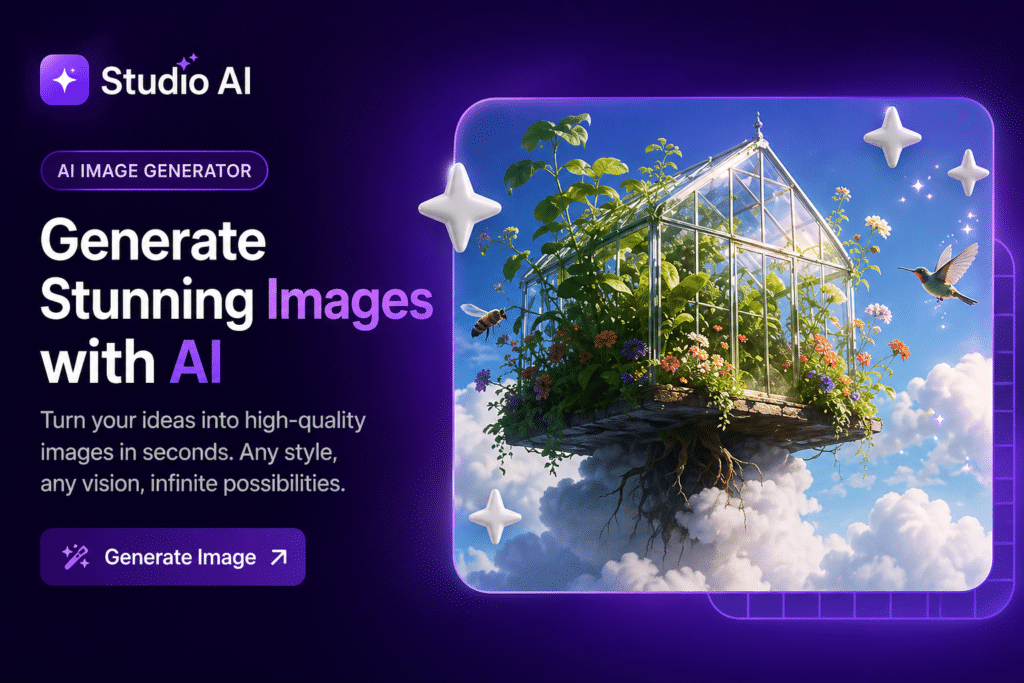
One of the most useful things AI can do is help at the start of a project.
Sometimes the hardest part is not the design itself, but the beginning. You may need to explore a mood, a visual direction, or a few different concepts before you know what feels right.
An AI image generator can help designers create quick visual ideas, test styles, and explore directions before moving into the final design.
This can be helpful for moodboards, first drafts, campaign ideas, social content, or simply getting inspiration when you do not want to start from a blank page.
Editing Images More Easily
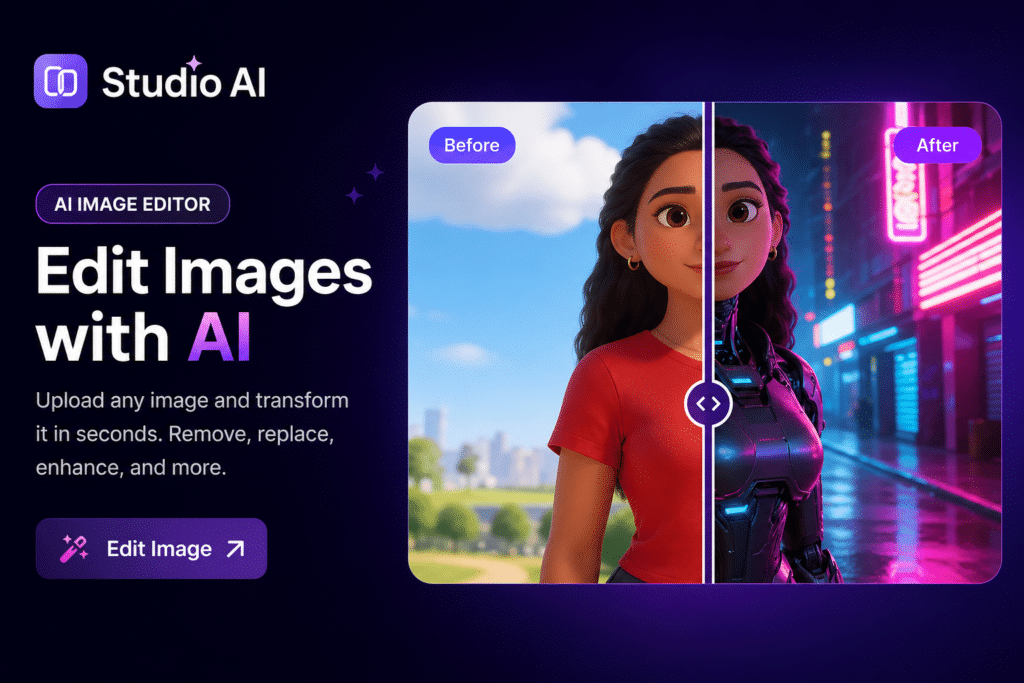
Designers often need to fix or improve images before using them in a layout.
An AI image editor online can help remove distractions, adjust details, and make images cleaner and easier to work with.
This is especially useful when a photo feels too busy, something in the background needs to go, the image needs a cleaner look, or a visual needs quick improvement before being used in a design.
It is a simple way to reduce manual work and move faster.
Removing Backgrounds
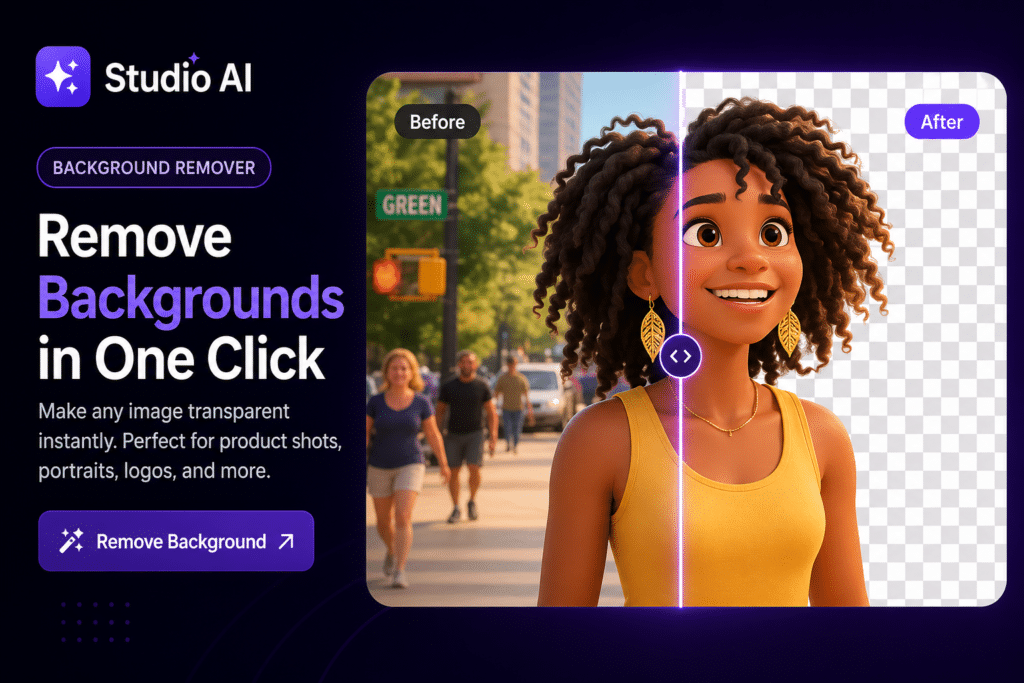
Background removal is one of those tasks that sounds small, but can take a lot of time when you do it again and again.
For designers working with product photos, social graphics, ads, or presentations, clean cutouts are often very important.
A good background remover for designers can make this much easier.
It can be useful for product images, transparent PNG files, social media graphics, promotional visuals, and e-commerce content.
Improving Image Quality
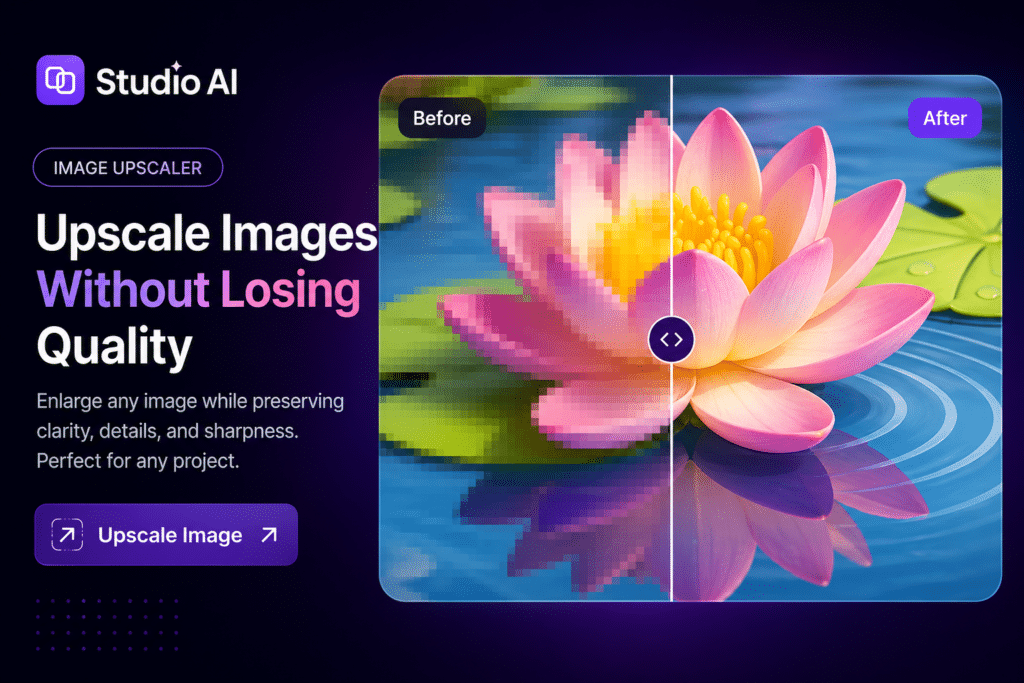
Not every project starts with perfect files.
Sometimes a client sends an image that is too small, too blurry, or not sharp enough to use. In those cases, an image upscaler online can help make the image clearer and more usable.
This can help when the original file is low quality, an old image needs to be reused, a small image must fit a larger format, or the visual needs to look more polished.
It is not magic, but it can often improve a file enough to keep the project moving.
Turning Images Into SVG
Designers often need artwork that can scale without losing quality.
That is why vector files are so useful, especially for logos, icons, packaging, print work, and branded graphics.
A simple image vectorizer SVG tool can help turn flat image files into something more flexible and easier to use.
This can save time when working on projects that need clean, scalable design assets.
Exploring Logo Ideas
Logo design still needs human thinking, taste, and understanding of the brand. But AI can still be helpful in the early stage.
An AI logo generator can help designers explore directions, test styles, and collect rough ideas before creating a more polished final identity.
This works best as a starting point, not as the full branding process.
Why One Toolkit Helps More
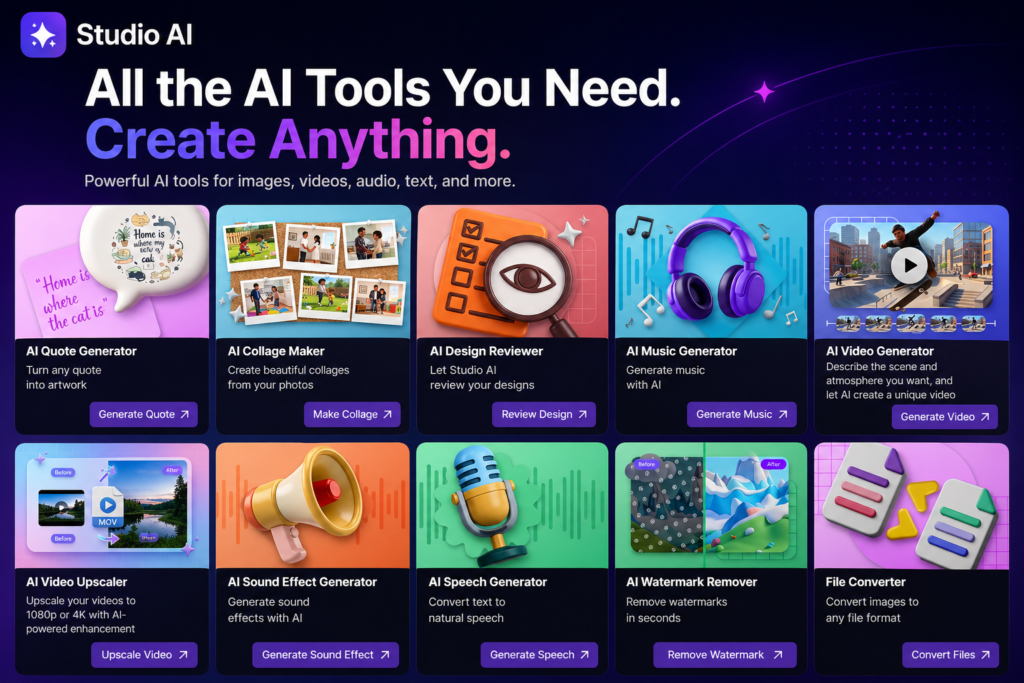
Using one helpful tool is nice. But using several tools together in one workflow is often even better.
When designers can move from idea generation to editing, background removal, image cleanup, and file preparation without jumping between too many platforms, work becomes smoother and less stressful.
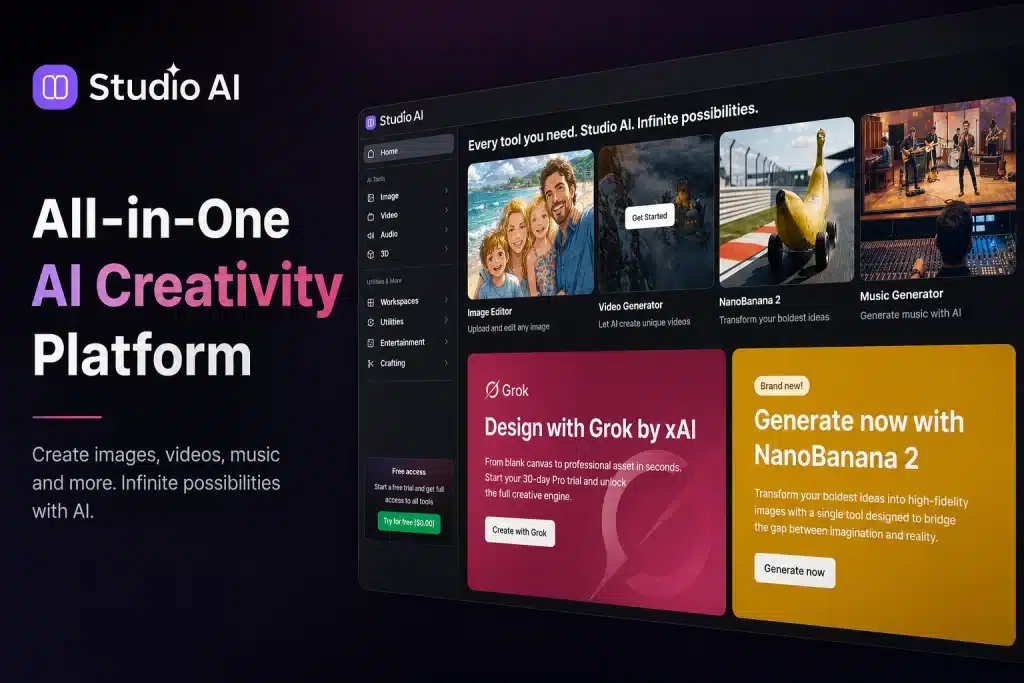
A creative platform for faster content design can be especially useful for freelancers, content creators, and small teams who need to work quickly and handle many tasks.
Keeping the Human Touch
The best way to use AI in design is not to let it do everything.
It is better to let AI help with the repetitive or technical parts, while the designer keeps control of the bigger creative decisions.
That includes visual direction, typography, layout, brand style, storytelling, and emotional tone.
AI can help with speed, but the designer still brings taste, clarity, and meaning.
Who This Can Help
These tools can be especially helpful for freelance designers, social media designers, brand designers, e-commerce designers, marketing teams, small studios, and content creators.
If your work involves creating visuals quickly and adapting them for different formats, AI can become a very useful support tool.
Final Thoughts
AI tools for graphic designers are becoming a normal part of graphic design work.
Not because they replace designers, but because they help them work faster, test ideas more easily, and spend more time on the creative parts of the job.
Whether you are editing images, removing backgrounds, improving quality, testing logo ideas, or creating quick concepts, the goal is the same: to make your workflow easier without losing the human side of design.