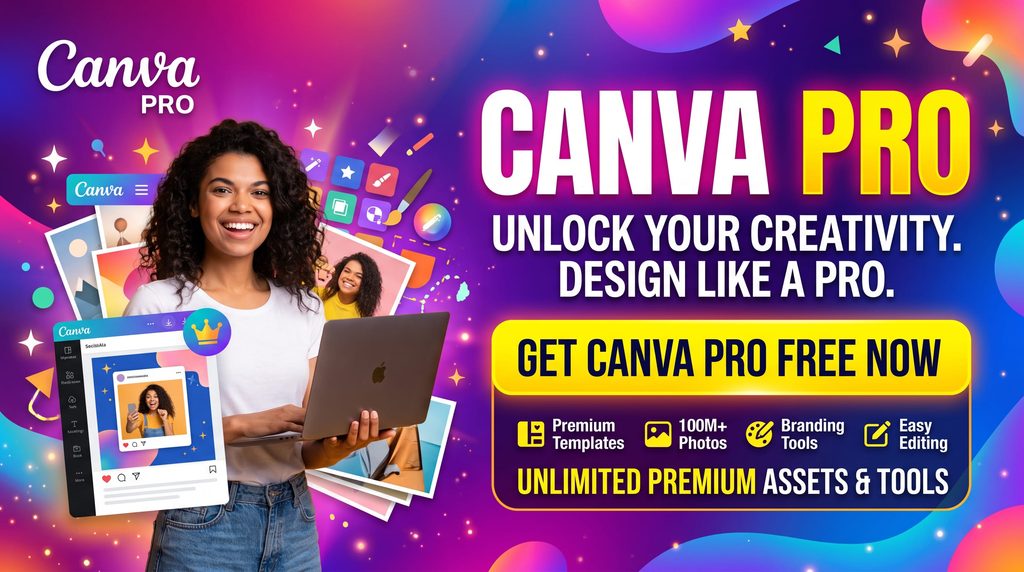
Are You Ready to Unlock Canva Pro for Free?
If you are a content creator, marketer, or just someone who loves designing, you already know how powerful Canva is. While the free version is fantastic, Canva Pro takes your designs to the next level with premium templates, one-click background remover, and a massive library of stock photos. But what if you don’t want to pay the monthly subscription fee?
In this guide, we will explore five legitimate and proven methods to get Canva Pro completely free.
Method 1: Canva for Education
Did you know that Canva offers its premium features for free to teachers and students? Canva for Education is a 100% free program designed to empower classrooms.
How to get it:
- If you are a certified K-12 teacher, simply go to the Canva for Education page and verify your teaching credentials.
- Once approved, you will have full access to all Pro features.
- Students can also get free access if their teacher invites them to a Canva class.
Method 2: Canva for Nonprofits
If you run or work for a registered nonprofit organization, Canva wants to support your cause. Canva for Nonprofits provides free access to Canva Pro for up to 10 people in your organization.
How to get it:
- You need to provide proof of your organization’s nonprofit status (such as a 501(c)(3) designation in the US).
- Submit an application through the Canva for Nonprofits portal. Review times are usually quick, and once approved, your whole team can start designing for free.
Method 3: GitHub Student Developer Pack
If you are a university student, this is one of the easiest ways to score a free year of Canva Pro. GitHub has partnered with Canva to offer students a 12-month free subscription to Canva Pro as part of their Student Developer Pack.
How to get it:
- Sign up for the GitHub Student Developer Pack using your university email address (.edu).
- Once your student status is verified by GitHub, navigate to the offers section and claim your 12 free months of Canva Pro.
Method 4: The 30-Day Free Trial Strategy
If you don’t qualify for the education, nonprofit, or student programs, you can still use Canva Pro for free by taking advantage of their generous 30-day free trial.
How to maximize it:
- Sign up for the trial when you have a specific, large project to complete (like a batch of social media posts, a presentation, or an ebook).
- Use all the premium features to batch-create your designs and download them.
- Important: Don’t forget to cancel before the 30 days are up so you don’t get charged!
Method 5: Join a Canva Pro Team
If you don’t want to deal with student emails, NGO applications, or linking a credit card for a trial, we have saved the easiest method for last.
Canva allows Pro users to invite members to their Team workspace. But instead of asking friends or colleagues for an invite, we make it effortless by sharing active team links right here for our readers.
Simply click the button below, let our system generate a secure invite link, and instantly unlock all Canva Pro premium features for free!
💡 Quick Note: Team workspaces have a strict member limit. If you click and see that the team is full, don't worry! Bookmark this page and check back later, as we regularly update the button with fresh invite links.
Conclusion
Upgrading to Canva Pro doesn't always mean reaching for your wallet. Whether you are a student, a teacher, a nonprofit worker, or just someone looking to maximize a free trial, there is a legitimate way for you to access Canva's premium design tools for free. Choose the method that best fits your situation and start creating stunning designs today!